Description
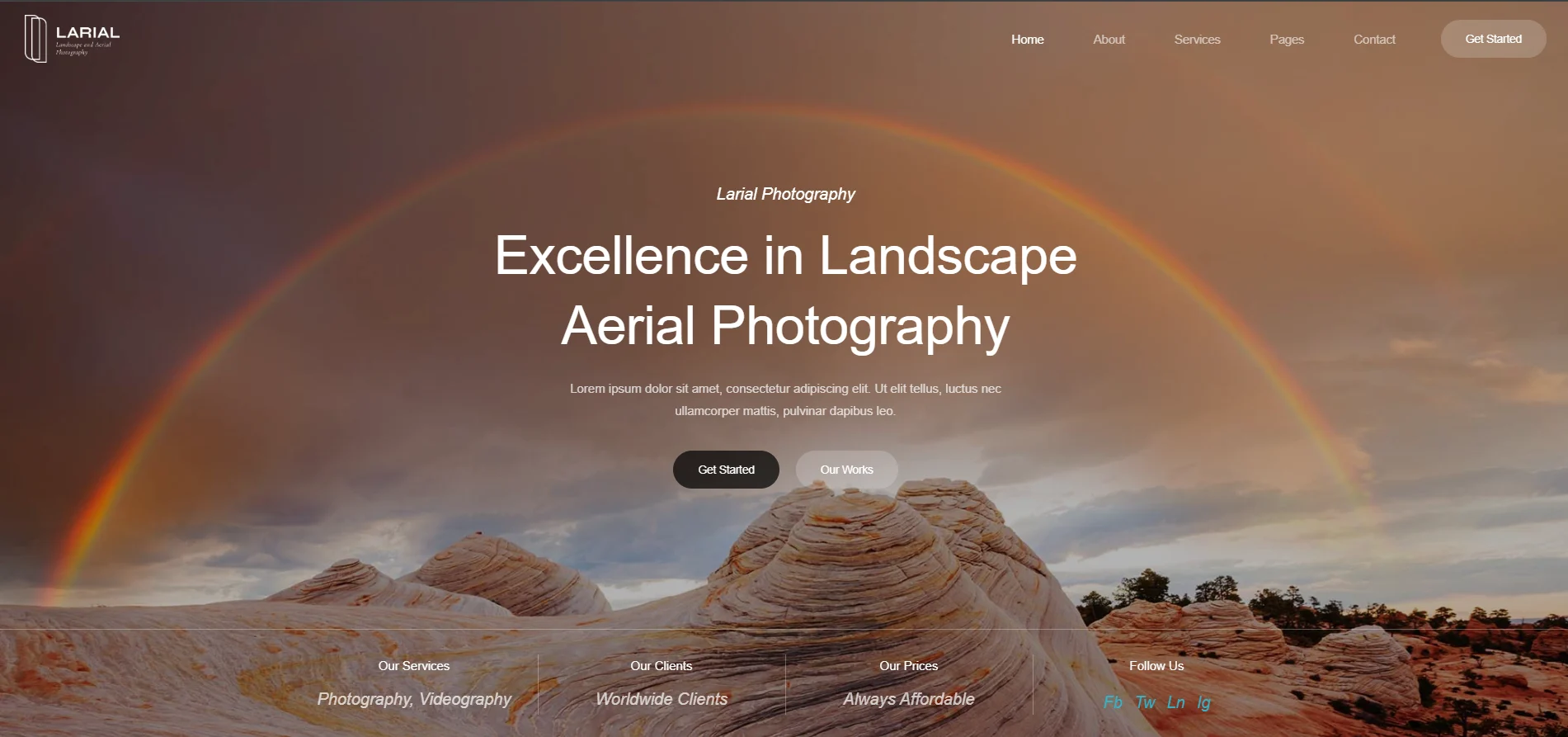
Larial – Landscape and Aerial Photography Elementor Template Kit created especially for Landscape Photography, Landscape Videography, Aerial Photography, Aerial Videography and other similar websites. Larial has a simple, modern and clean design with 100% responsive layout, and very easy to customize and can be used by anyone without having to understand coding.
This template kit includes stunning carefully crafted 12 Pages and 14 Stunning Templates, you can build your professional-looking website just a click away.
Features:
- Using Free Plugins (Elementor Pro is not required)
- Unique & Clean Design
- 12 Ready to Use Pages
- 14 Ready to Use Templates
- Fully Responsive Layout
- Fully Customizable
- Cross Browser Compatibility: Chrome, Firefox, Safari, Opera
Templates Include:
- Global Theme Style
- Home
- About
- Services
- Projects
- Project Detail
- FAQs
- Pricing
- Team
- Blog
- Single Post
- Contact
- 404 Page
- Header
- Footer
Required Plugin:
- Elementor
- ElementsKit Lite
- WPForms Lite
- Gum Elementor Addon
Creating pages
- Go to Pages and create a new page and click Edit with Elementor
- Click the gear icon at lower-left of the builder to view page settings and choose Elementor Full Width and hide page title
- Click the gray folder icon to access My Templates tab and then Import the page you’d like to customize.
- The home page is set under Settings > Reading by selecting Static Front Page.
Setup Global Header and Footer
- Import the header and footer template
- Go to ElementsKit > Header Footer select Header and click Add New
- Give it a title, leave Entire Site selected and toggle Activation to On
- Click the template title and Edit Content
- Click the gray folder icon and select the header template to import and Update
- Repeat for Footer
If you have Elementor Pro, headers and footers are customized under Templates > Theme Builder.
Detailed Guide:
- https://youtube.com/playlist?list=PLeGaUeW2OthM3JPOmOoMWkIa_-e6Jpqxv&si=W4YiMZVc0EuyfLpj






Reviews
There are no reviews yet